









WESWOO builds Shopify stores
for ambitious global brands
We start with what you sell, who you sell to and why customers should choose you.
If a focused theme update will do the job, we won't push a rebuild. We recommend Plus, Headless or custom integrations only when the business genuinely needs them.

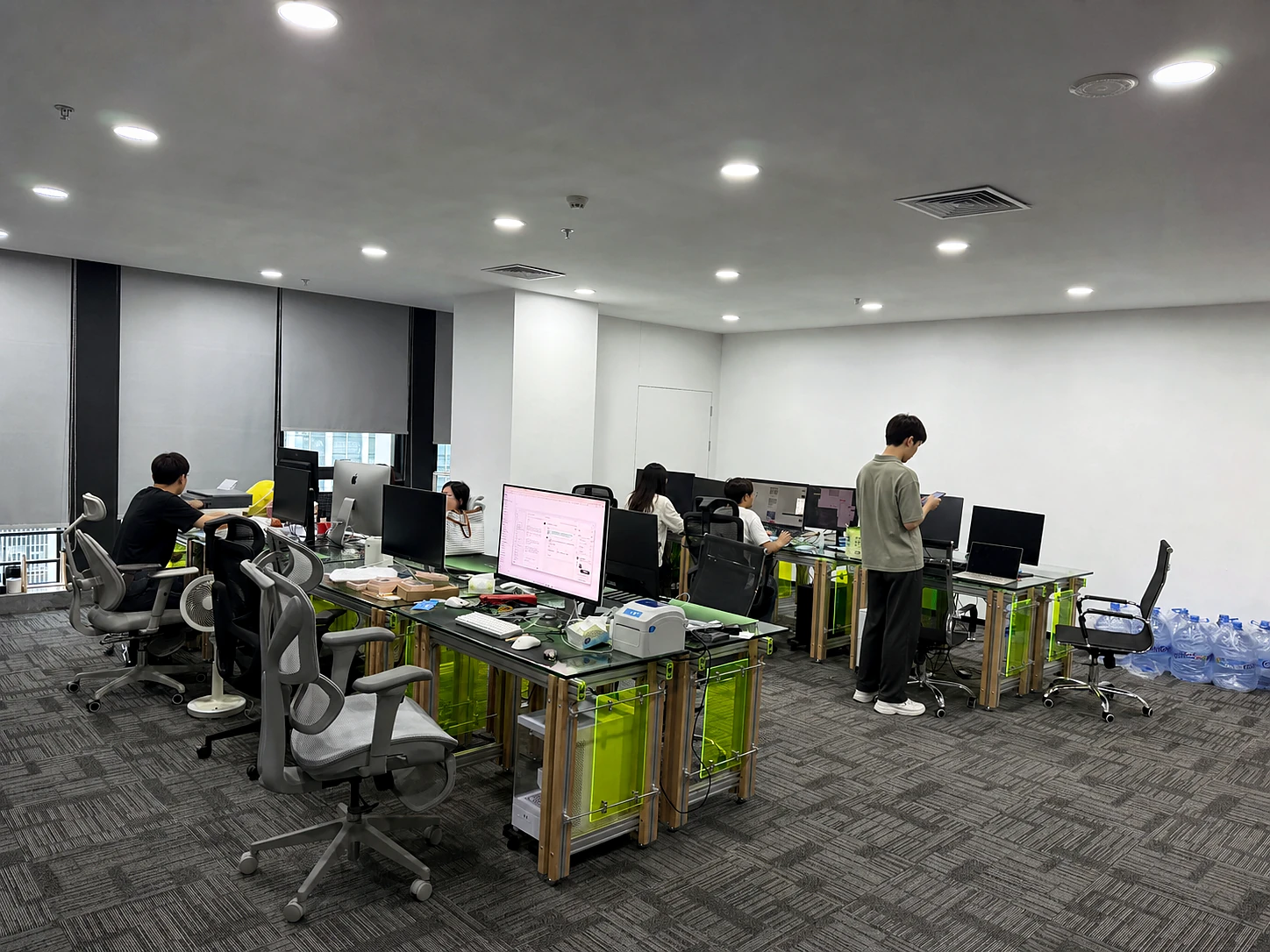
WESWOO Shopify team, based in Shenzhen
The same team stays with you across design, development, migration and support
Selected client work
Shopify experience across product categories
Every category needs a different storefront.
Our work spans headphones, home products, e-bikes, drones and other categories, all built for real launches.








What to do specifically
What we actually do for Shopify stores
If a theme can solve it, we do not push Headless. If the existing store can be improved, we do not rebuild it. The scope follows the business, not a preset package.
Focused Shopify theme customisation
We settle the page structure and visual direction before building Liquid sections. This is more than changing colours and images in a purchased theme.
Shopify Plus upgrade and migration
First check the business volume, multiple markets, B2B, checkout and permission requirements, and then upgrade if necessary.
Shopify Headless Development
When a theme starts limiting content or interaction, we separate the frontend with the Storefront API.
Shopify B2B and multiple marketplaces
Company accounts, catalogues, tiered pricing, payment terms and purchasing workflows are configured around the way your team actually sells.
System integration and long-term maintenance
We connect ERP, OMS, CRM, payments and analytics carefully, with clear ownership when something needs attention.
Why choose WESWOO
Why clients
keep working with us
Design and development sit in the same team, so clients do not have to relay feedback between suppliers. We look after the visual quality, mobile journey and editor experience together.
Design first, then develop in Shopify
Motion matters, and so does load time
Tested on phones, tablets and desktops
Built to evolve after launch
Technology & Tools
Shopify connects to the rest of the business
Products, orders, customers and inventory need to stay aligned with the rest of the business. We map the data flow first, then decide whether an app, Flow or an API is the right fit.
Case study
Our work is clearer than a sales pitch See it for yourself.

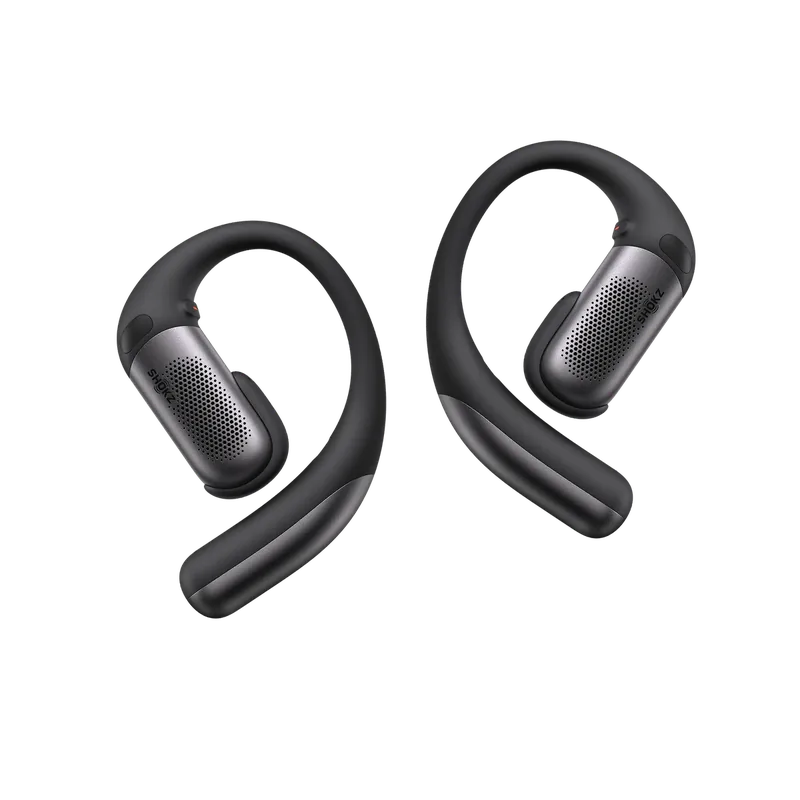
SHOKZ
Headphone ranges can be hard to compare. We bring fit, use cases and model differences into one clear buying journey.
1
product strategy
2
Content architecture
3
visual system
4
Shopify implementation
ADO E-BIKE
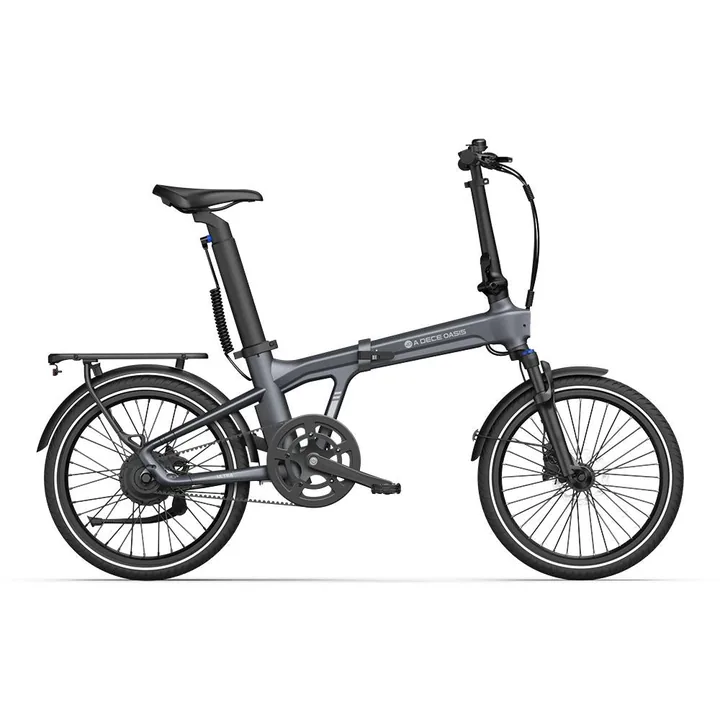
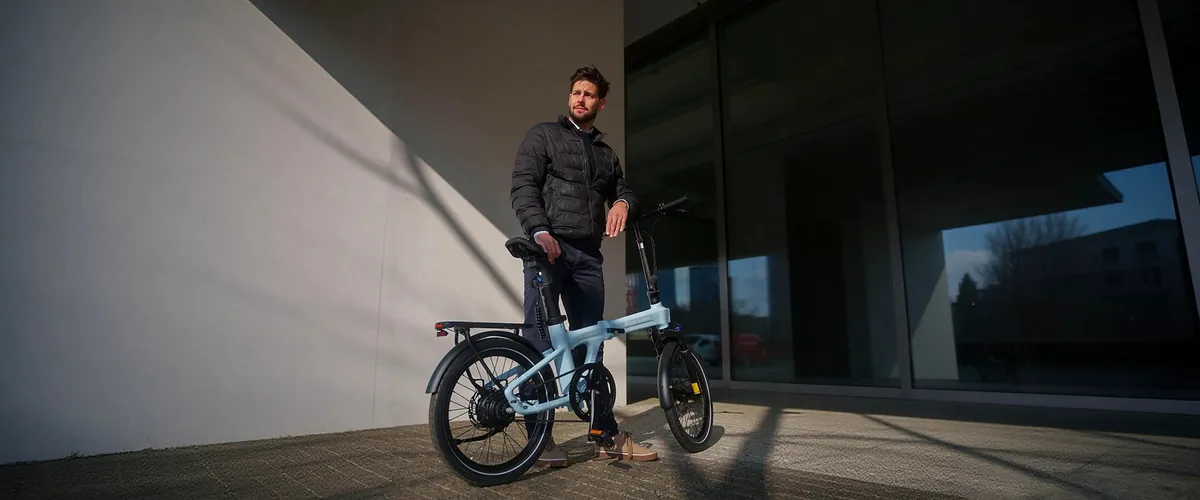
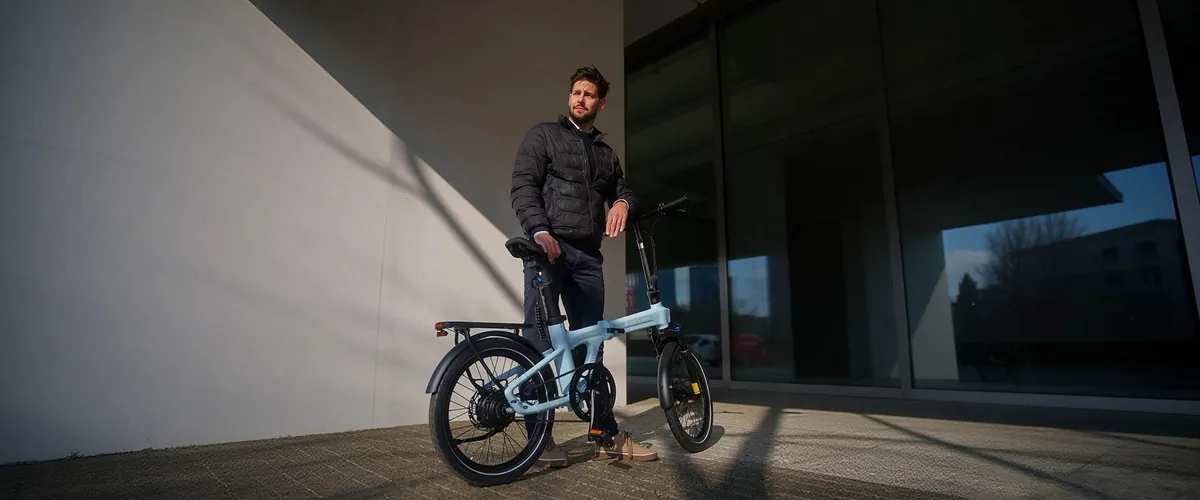
We explain model differences, range and commuting use cases so first-time e-bike buyers can compare with confidence.
1
market positioning
2
content path
3
Shopify implementation

COMMARKER
Professional equipment needs more than a specification table. We connect materials, machine options and finished results in one buying journey.
1
Model sorting
2
Application scenarios

NAVIMOW
We explain navigation, obstacle avoidance and lawn coverage in real garden settings, helping buyers choose the right machine faster.
1
Garden use cases
2
Product selection
3
Shopify implementation
Case catalog / 40 projects + 20 industry benchmarks
Look at real projects first, then continue searching by industry
First, look at 8 WESWOO projects on the homepage; in the complete case center, browse all projects and benchmark websites by industry. The attribution is clear and they are not mixed together.
01
 SHOKZ
WESWOO project
02
SHOKZ
WESWOO project
02
 COMMARKER
WESWOO project
03
COMMARKER
WESWOO project
03
 INIU
WESWOO project
04
INIU
WESWOO project
04
 NAVIMOW
WESWOO project
05
NAVIMOW
WESWOO project
05
 AMPAURA
WESWOO project
06
AMPAURA
WESWOO project
06
 ADO E-BIKE
WESWOO project
07
ADO E-BIKE
WESWOO project
07
 SALIGIA
WESWOO project
08
SALIGIA
WESWOO project
08
 TERMINO
WESWOO project
TERMINO
WESWOO project
SHOKZ
WESWOO project
02
COMMARKER
WESWOO project
03
INIU
WESWOO project
04
NAVIMOW
WESWOO project
05
AMPAURA
WESWOO project
06
ADO E-BIKE
WESWOO project
07
SALIGIA
WESWOO project
08
TERMINO
WESWOO project
Showing 8 selected WESWOO projects. The full case library includes 40 projects and 20 industry benchmarks.
About WESWOO
A Shopify partner, not a template installer
UI, Liquid, frontend, migration and ongoing support stay within one team. We build what the project needs, without pushing Plus or Headless to inflate the scope.
working method
A Shopify project follows four clear stages
1
Define the scope first
We review the product, market, current site and must-keep features before quoting. A clear scope prevents surprises later.
2
Design desktop and mobile together
We confirm content order and interactions in Figma before development, reducing avoidable rework.
3
Develop with real content
We build the approved theme, features and integrations, testing with real products throughout the project.
4
Complete launch QA
We test devices, browsers, performance, forms and checkout before launch, then stay available for updates and post-launch issues.
Project preparation
Nine things to agree before a Shopify build starts
Agree who the store is for, what needs to sell first and why customers should choose it before page design begins.
business goals
Customers, markets and priorities
If the catalogue and team are straightforward, start with a strong theme. Do not pay for Plus or Headless unless the operation needs them.
Choose the right version first
Shopify, Plus and Headless
Explain product differences, use cases, FAQs and proof so customers can choose without opening ten tabs.
Explain the product clearly
Product, Category and Case Structure
Make browsing, comparing, buying and finding support work smoothly on mobile, then refine the desktop experience.
Look at the mobile version first
Critical path and mobile
Agree the theme, apps, integrations, migration rules and access boundaries before launch, while changes are still inexpensive.
Technical implementation
Topics, applications and data
Set up analytics, consent and attribution before campaigns start, so the team is not left guessing after launch.
Prepare data before going online
Analysis, consent and attribution
Unify URLs, titles, internal links, structured data and site maps to lay a solid foundation for Google and Baidu inclusion.
SEO and inclusion basics
URLs, titles, internal links and structured data
Test speed, forms, payments, tracking and error states on real devices and browsers. A page that merely opens is not ready to launch.
Online acceptance
Devices, browsers and performance
Decide who owns content, performance and compatibility after Shopify or app updates before the store goes live.
Ongoing maintenance
Version, performance and feature iteration
Can the store team run it day to day?
The storefront is only one layer. Admin workflows, data and integrations have to work just as well.
You may not need themes, B2B, APIs and ERP work all at once. Start with the operational bottleneck, then choose the technology that solves it.
Article
Practical Shopify notes
for problems teams actually face
We explain when Plus is worth the cost, when Headless earns its complexity and why a theme has slowed down, without hiding behind jargon.

2026.08.13
Uncategorized
Shopify content更新怎么排:先更新会影响成交的页面,不要只追新Article数量
Shopify content更新没有统一字数门槛。先用 Search Con...
Have a store or just an idea?
Tell us what is holding the project back.
Send the current store, catalogue size, main markets and the problems you want to solve. We will tell you plainly what is worth doing and what is not.

 English
  简体中文
简体中文  日本語
日本語  香港中文
香港中文  Deutsch
  繁體中文
繁體中文