



WESWOO builds Shopify stores
for ambitious global brands
From brand identity and page design to Shopify theme development.
A tailored storefront with product and campaign pages your team can keep editing.

WESWOO Shopify team, based in Shenzhen
The same team stays with you across design, development, migration and support
Selected client work
Shopify experience across product categories
Different products need different ways to present them.
Our work spans headphones, home products, e-bikes, drones and other categories, all built for real launches.








What to do specifically
What WESWOO can build for your store
New stores, redesigns and multiple markets: product pages and shopping journeys for your customers, with content your team can update when products and campaigns change.
Focused Shopify theme customisation
Turn the brand and product information into editable pages, so your team can keep updating product and campaign pages after launch.
Shopify Plus upgrade and migration
When multiple markets, wholesale customers or team collaboration outgrow the current store, we assess whether Plus is needed.
Shopify Headless Development
Only consider a separate frontend when the theme truly limits content or key interactions.
Shopify B2B and multiple marketplaces
Let wholesale customers see their agreed prices and place orders themselves, while sales handles special quotes and orders.
Store and business connections
Connect product, order and inventory information to day-to-day operations so the same details do not have to be entered twice. When the store needs page changes or new features after launch, we can continue working together.
How we build the store
From design to launch
One connected team
We develop after design approval. Design and development together own the visual quality, mobile experience and theme editing.
Brand-led page design
Design colours, typography, product messaging and page structure together.
Motion with a purpose
Use interaction to explain product details, with mobile and loading checks.
Editable after launch
Reusable sections and blocks let your team keep updating the storefront.
Launch and support
Check browsing, forms and purchasing before launch, with ongoing support agreed in scope.
Connect the store to day-to-day operations
Shopify connects to day-to-day operations
Products, orders, customers and inventory should connect to day-to-day operations. We first look at what is still being handled manually, then decide what kind of connection is needed.
Case study
Our work is clearer than a sales pitch See it for yourself.

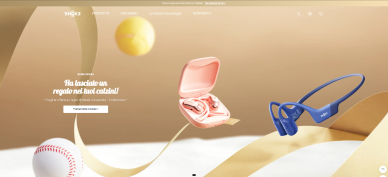
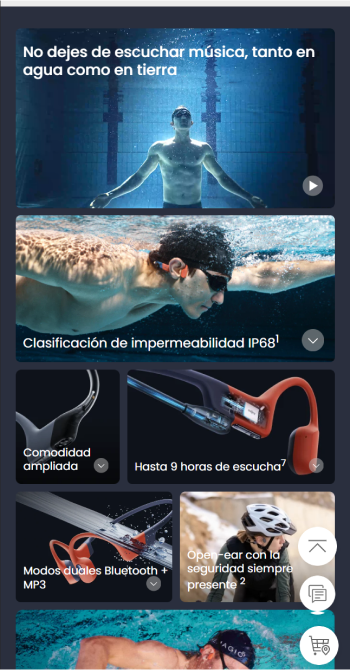
SHOKZ
JavaScript scroll interactions present product features alongside editable Shopify theme modules.
1
product strategy
2
Content architecture
3
visual system
4
Shopify implementation
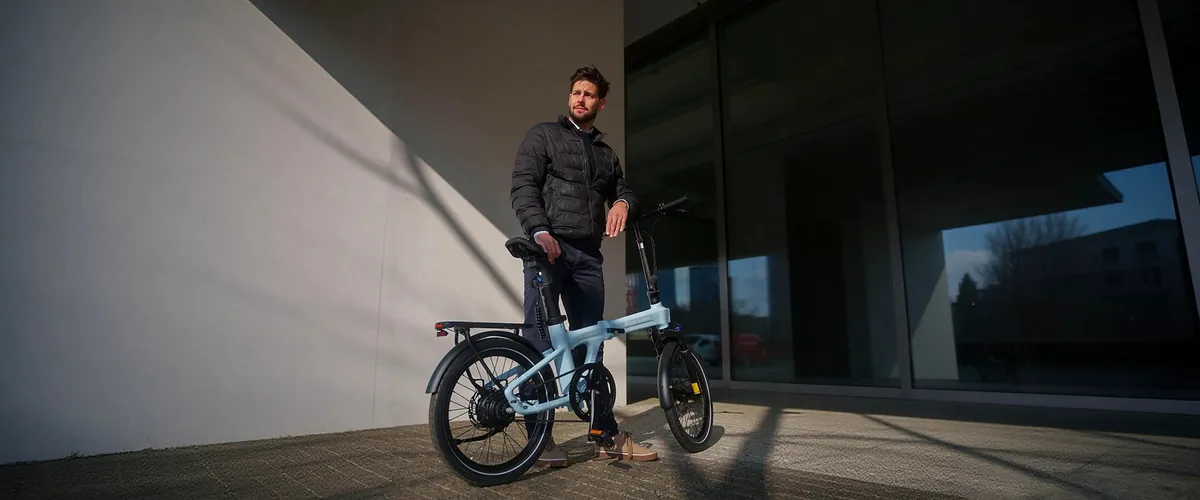
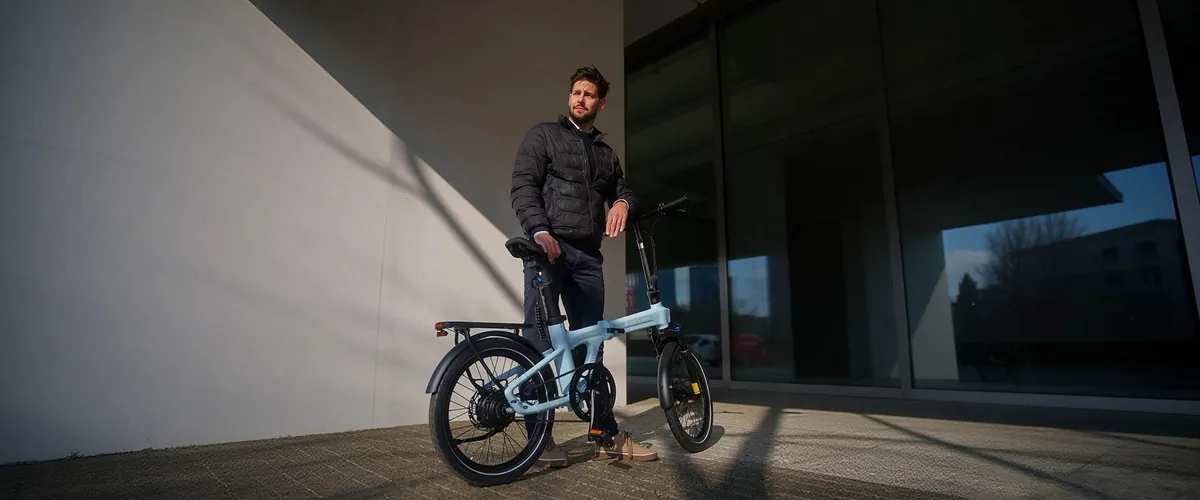
ADO E-BIKE
We explain model differences, range and commuting use cases so first-time e-bike buyers can compare with confidence.
1
market positioning
2
content path
3
Shopify implementation

COMMARKER
Professional equipment needs more than a specification table. We connect materials, machine options and finished results in one buying journey.
1
Model sorting
2
Application scenarios

NAVIMOW
We explain navigation, obstacle avoidance and lawn coverage in real garden settings, helping buyers choose the right machine faster.
1
Garden use cases
2
Product selection
3
Shopify implementation
Selected work / 42 个项目 + 20 个Industry benchmark
See real work and find a similar business direction
Different products, industries and buying situations call for different page stories. Start with selected work, then browse by industry for a similar direction.
01
 SHOKZ
Featured work in the Shopify directory
Scroll interactions · Collection browsing
02
SHOKZ
Featured work in the Shopify directory
Scroll interactions · Collection browsing
02
 COMMARKER
Model comparison · Material applications
03
COMMARKER
Model comparison · Material applications
03
 INIU
Spec comparison · Product selection
04
INIU
Spec comparison · Product selection
04
 NAVIMOW
Featured work in the Shopify directory
Garden scenarios · Model selection
05
NAVIMOW
Featured work in the Shopify directory
Garden scenarios · Model selection
05
 AMPAURA
Featured work in the Shopify directory
Energy use cases · Business enquiries
06
AMPAURA
Featured work in the Shopify directory
Energy use cases · Business enquiries
06
 ADO E-BIKE
Client review in the Shopify directory
Urban commuting · Test rides
07
ADO E-BIKE
Client review in the Shopify directory
Urban commuting · Test rides
07
 SALIGIA
Featured work in the Shopify directory
Brand identity · Collection showcases
08
SALIGIA
Featured work in the Shopify directory
Brand identity · Collection showcases
08
 TERMINO
Room showcases · Material details
09
TERMINO
Room showcases · Material details
09
 ROBOROCK
Featured work in the Shopify directory
Cleaning scenarios · Model comparison
10
ROBOROCK
Featured work in the Shopify directory
Cleaning scenarios · Model comparison
10
 HOVERAIR
Outdoor tracking · Feature demos
HOVERAIR
Outdoor tracking · Feature demos
SHOKZ
Featured work in the Shopify directory
Scroll interactions · Collection browsing
02
COMMARKER
Model comparison · Material applications
03
INIU
Spec comparison · Product selection
04
NAVIMOW
Featured work in the Shopify directory
Garden scenarios · Model selection
05
AMPAURA
Featured work in the Shopify directory
Energy use cases · Business enquiries
06
ADO E-BIKE
Client review in the Shopify directory
Urban commuting · Test rides
07
SALIGIA
Featured work in the Shopify directory
Brand identity · Collection showcases
08
TERMINO
Room showcases · Material details
09
ROBOROCK
Featured work in the Shopify directory
Cleaning scenarios · Model comparison
10
HOVERAIR
Outdoor tracking · Feature demos
当前显示 10 个 WESWOO 精选项目;案例中心收录 42 个项目与 20 个Industry benchmark
About WESWOO
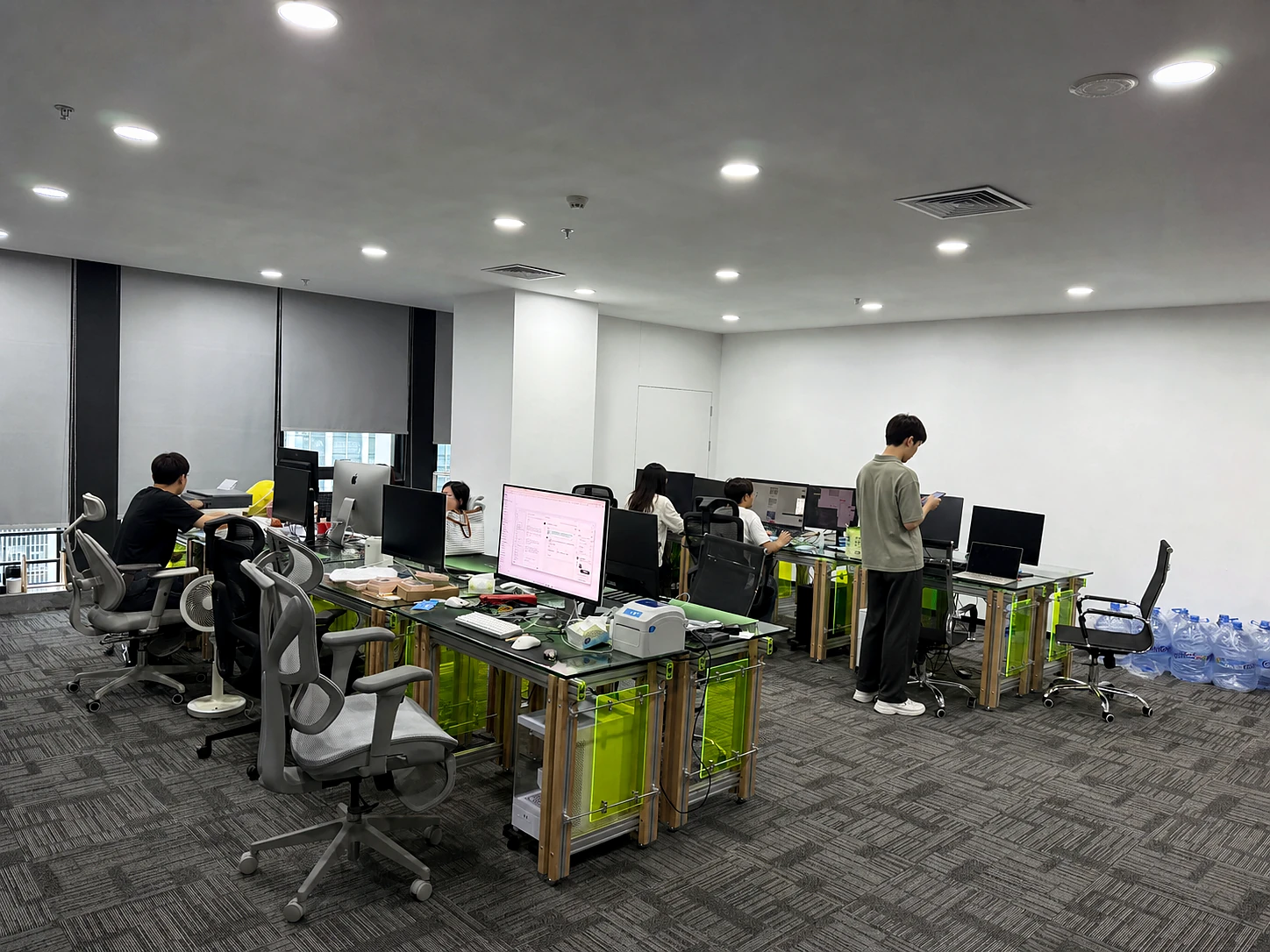
Based in Shenzhen, focused on Shopify design and development
Our designers and developers work together from Figma to Liquid, migration and maintenance. We agree deliverables before starting and share page and feature progress during development.
How we work together
A Shopify project moves forward
1
Start with what you sell and who you sell to
We look at the product, market and current store, agree what this project needs to solve, then define the work.
2
Set the page direction first
Use real products and copy to confirm the page order, mobile experience and key actions before production starts.
3
Build the store with real products
Build the theme and features around the agreed pages, testing browsing, enquiries and purchasing with real products as we go.
4
Try it on real devices before launch
Try browsing, forms and purchasing on phones and computers. When the store needs changes after launch, support continues as agreed.
Before we work together
Agree the practical details before we start
Agree who the store is for, what needs to sell first and why customers should choose it before page design begins.
business goals
Customers, markets and priorities
If the catalogue and team are straightforward, start with a strong theme. Do not pay for Plus or Headless unless the operation needs them.
Choose the right version first
Shopify, Plus and Headless
Explain product differences, use cases, FAQs and proof so customers can choose without opening ten tabs.
Explain the product clearly
Product information and buying guidance
Make browsing, comparing, buying and finding support work smoothly on mobile, then refine the desktop experience.
Look at the mobile version first
Critical path and mobile
Connect product, customer and order information so pages, payments and notifications work around the real business.
Make the store work day to day
Pages, orders and day-to-day operations
Agree what to watch across ads, email and on-site behaviour before launch, so the team knows which activity is worth continuing.
Decide what to measure
Ads, email and on-site behaviour
Help customers find the right page through search by making the product, market and page relationships clear.
Help customers find the page
Products, markets and page relationships
Try browsing, enquiries, purchasing and error states on real phones and computers, and confirm the key actions work.
Try it before launch
Browsing, enquiries and purchasing
Agree who handles content updates and changes before launch, so issues have someone responsible for following up.
Support after launch
Content updates and store changes
Before we start
Questions before we start
How is a tailored theme different from a basic template setup?
A tailored theme keeps the proven capabilities of a mature theme while shaping its structure, visuals and interactions around your brand. After launch, your team can keep editing page modules instead of only replacing images.
Can we start without a complete brand guide?
Yes. Share your current site, key products, target markets and references. We identify missing assets and agree what is included across development, copy, photography and branding.
How do you estimate cost and timing?
We assess page types, product complexity, motion, integrations and migration scope before itemising the quote and schedule. Theme licences, paid apps and photography are listed separately where applicable.
Can our team edit the site after launch?
Common images, copy, products and page modules stay editable in Shopify wherever possible. We explain what your team can change; ongoing maintenance and new feature work are agreed separately.
Article
Practical Shopify notes
for problems teams actually face
Practical guidance on theme redesigns, product pages, performance and integrations.
Have a store or just an idea?
Tell us what is holding the project back.
Send the current store, catalogue size, main markets and the problems you want to solve. We will tell you plainly what is worth doing and what is not.

 English
  简体中文
简体中文  日本語
日本語  香港中文
香港中文  Deutsch
  繁體中文
繁體中文